MESSAGES
Conversations without breaking focus.
Search, read, dictate, and reply in a spacious desktop interface.
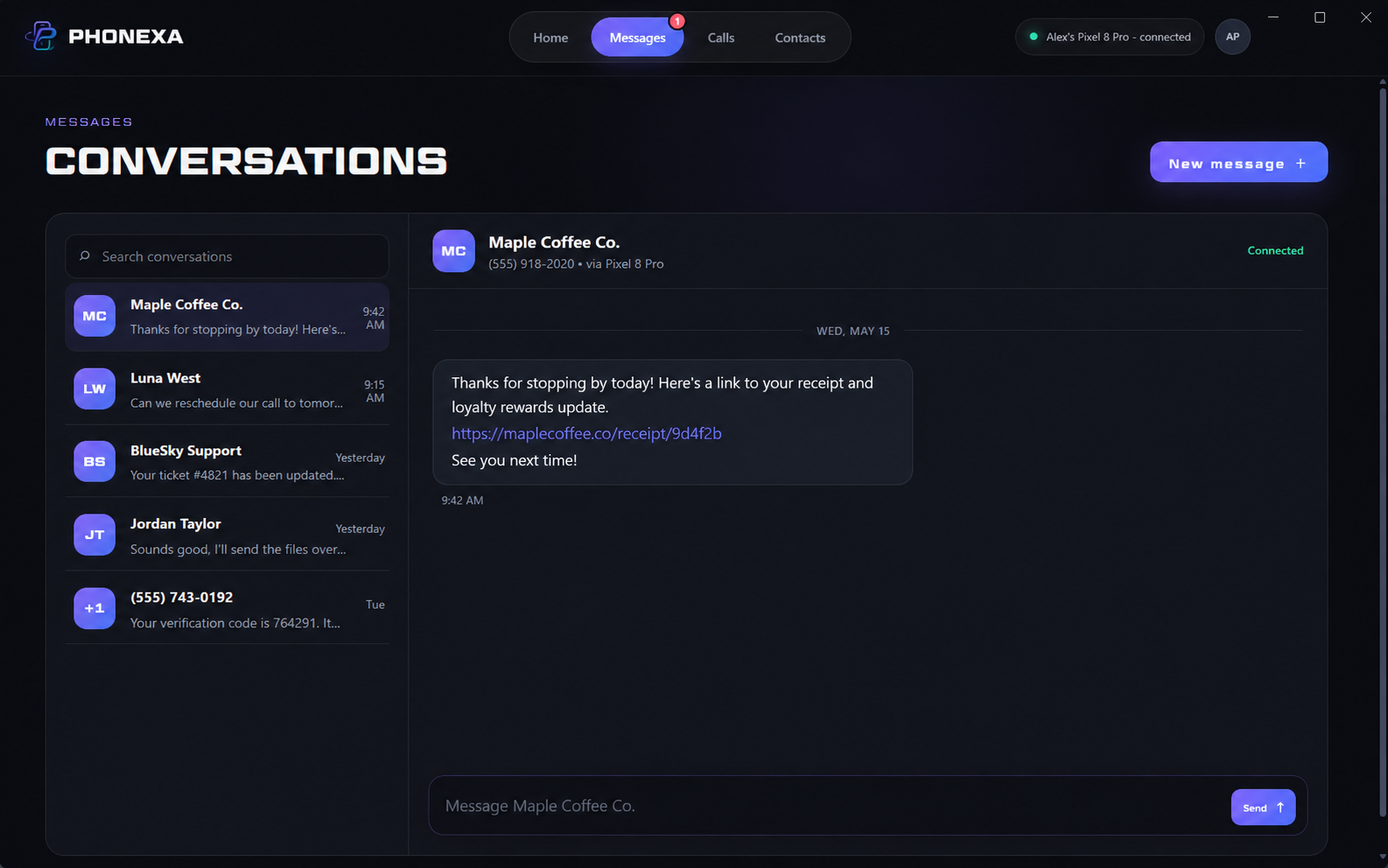
PHONEXA FOR WINDOWS
Messages, contacts, dictation, and connection health—beautifully present on your PC.
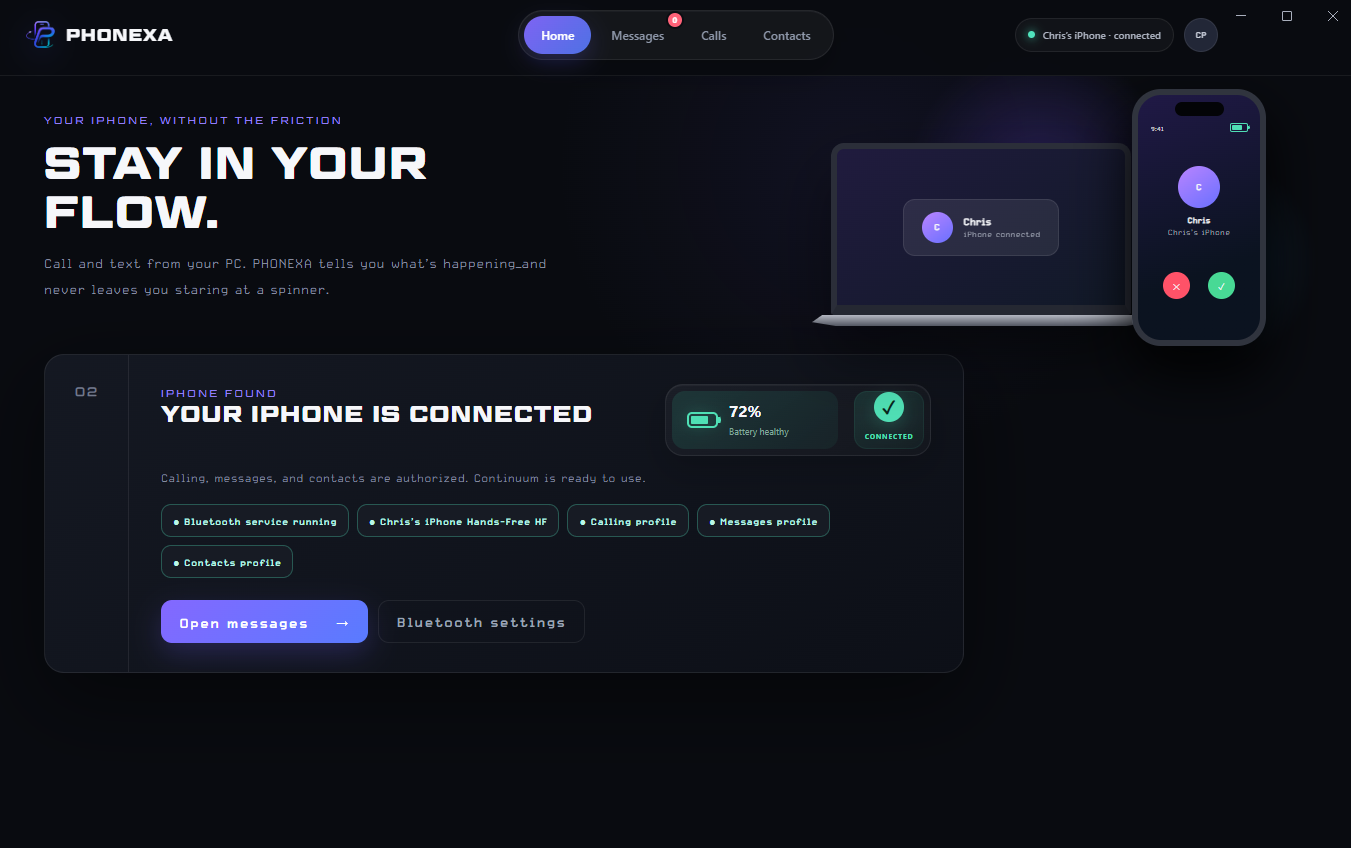
ONE FOCUSED WORKSPACE
PHONEXA brings the communication surfaces that matter into one focused Windows experience.
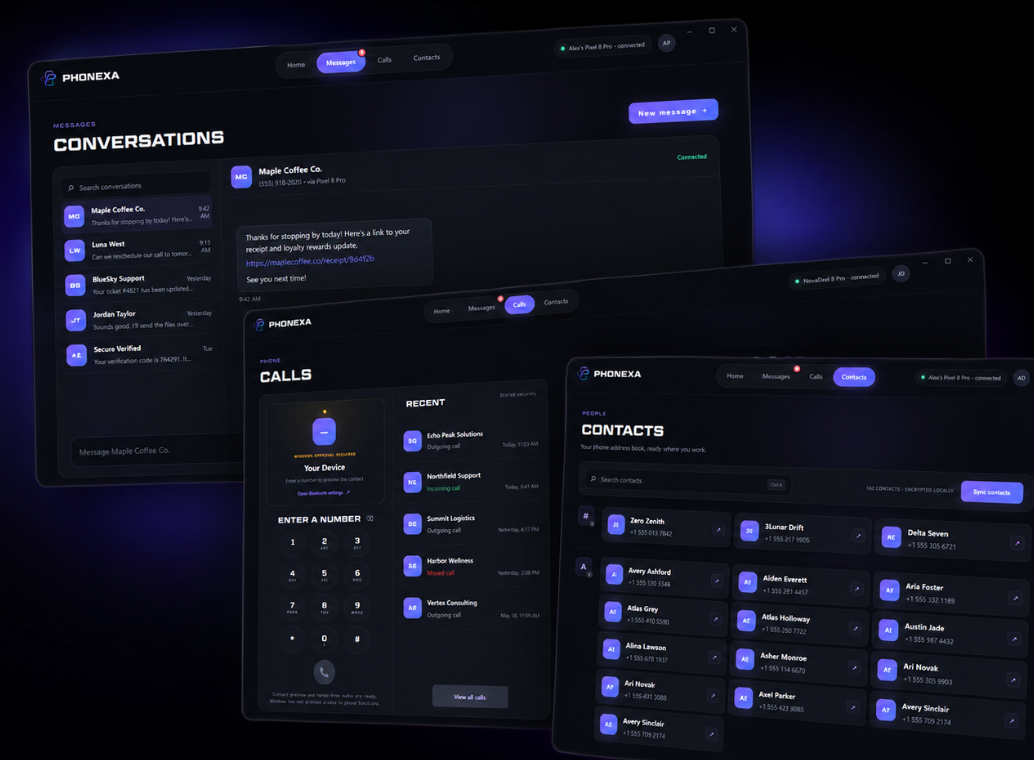
THE REAL PRODUCT
Search, read, dictate, and reply in a spacious desktop interface.
PHONEXA recognizes iPhone Tapbacks and returns them to the bubble they belong to. Hover a reaction to see who sent it.


Direct Windows call control remains unavailable until Microsoft approves PHONEXA’s restricted capability.
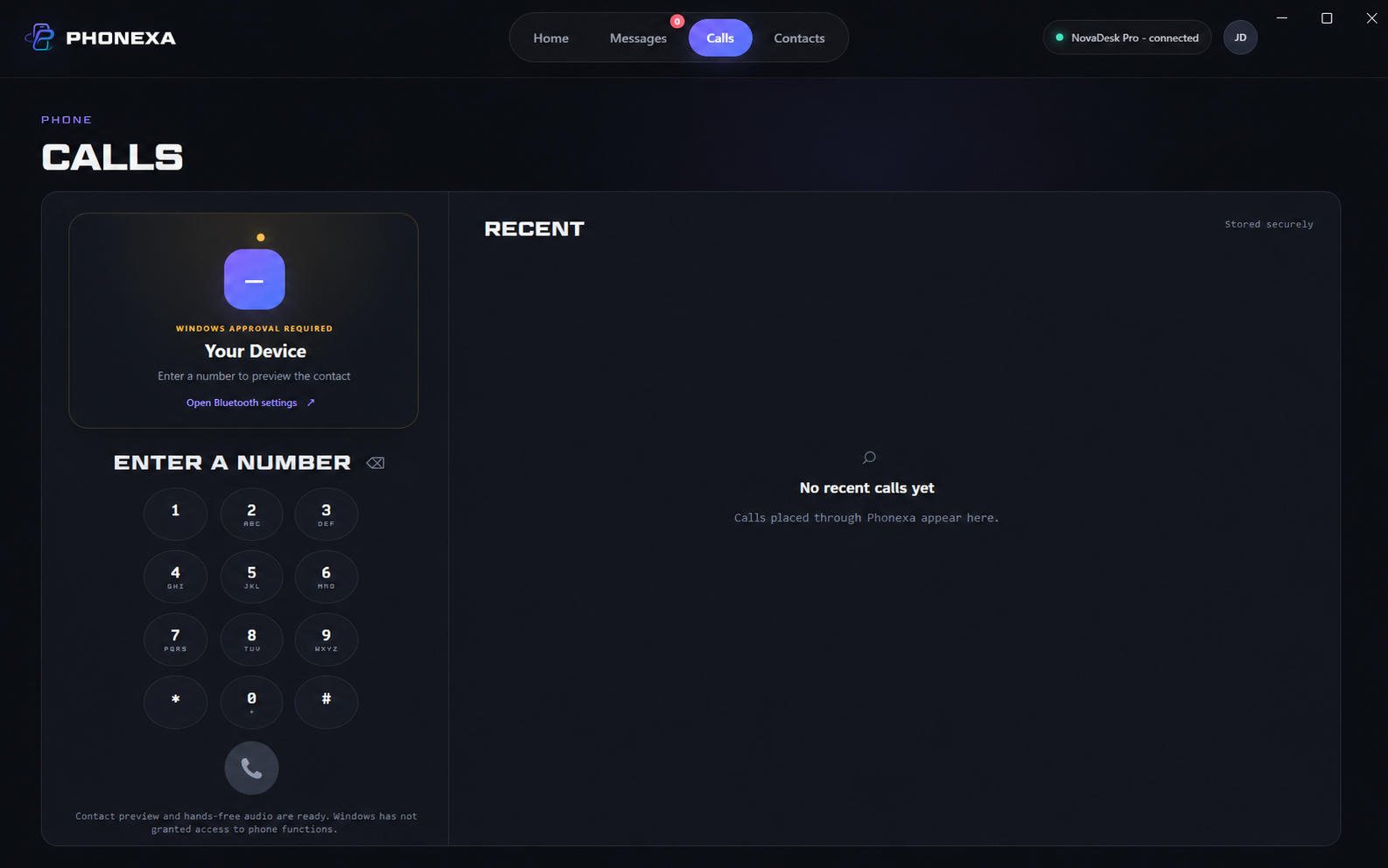
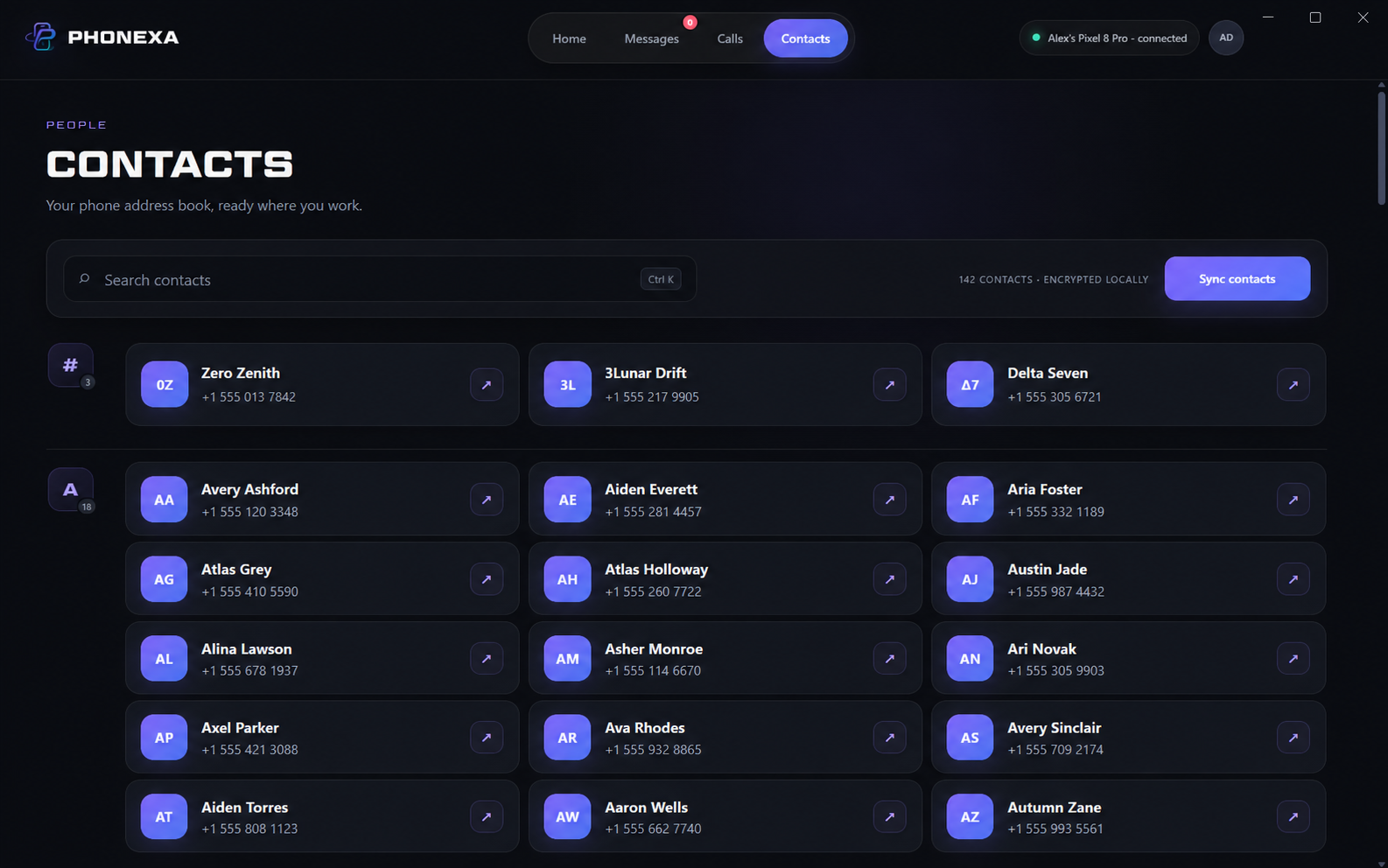
Sync photos and details locally, search quickly, and organize private groups on this PC.
AVAILABLE NOW
Messages and reactions, contact sync and local groups, native Windows dictation, encrypted history, battery and connection diagnostics, and automatic updates.
Pair through Bluetooth, enable Show Notifications and Sync Contacts on the iPhone, then let PHONEXA verify each service.
Setup help →SECURE BY DESIGN
History and activation data are protected by Windows.
One payment. No recurring app subscription.
Export a support report without message or contact contents.
SIMPLE OWNERSHIP
One perpetual key for one installation.
For your computers, family, or team.
READY WHEN YOU NEED HELP
Review compatibility and the exact iPhone Bluetooth permissions PHONEXA needs.
Review requirements →Recover unused keys using the email entered at Stripe Checkout.
Recover keys →Export a privacy-safe support report inside PHONEXA and send it to us.
Contact support →No. Synced history, contacts, drafts, and local portraits stay encrypted on your Windows PC.
The interface is a preview. Direct call control remains pending Microsoft certification.
Both apps may request the same iPhone Bluetooth services. PHONEXA can close Phone Link at launch.